How Adagin works for stone and pome fruit
Step through how data is captured and tracked across your entire operation
Each worker receives an employee tag linked to their name
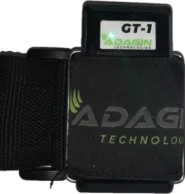
- As bags are filled, the worker scans their tag on the GT1 device
- Each scan records the worker, time, date, and GPS location
- Harvest activity is tracked across the field
Each field scan updates harvest records in the system
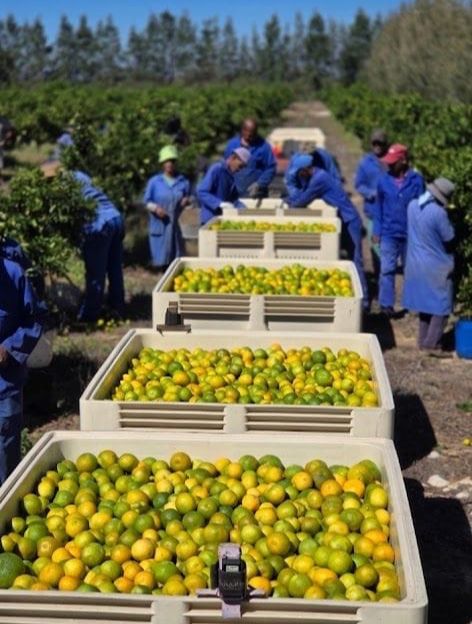
- Workers are scanned in using the mobile device
- Bins and bags are linked to the correct worker, team, and orchard
- Each scan records time, GPS location, and field information
Field data syncs to the live dashboard
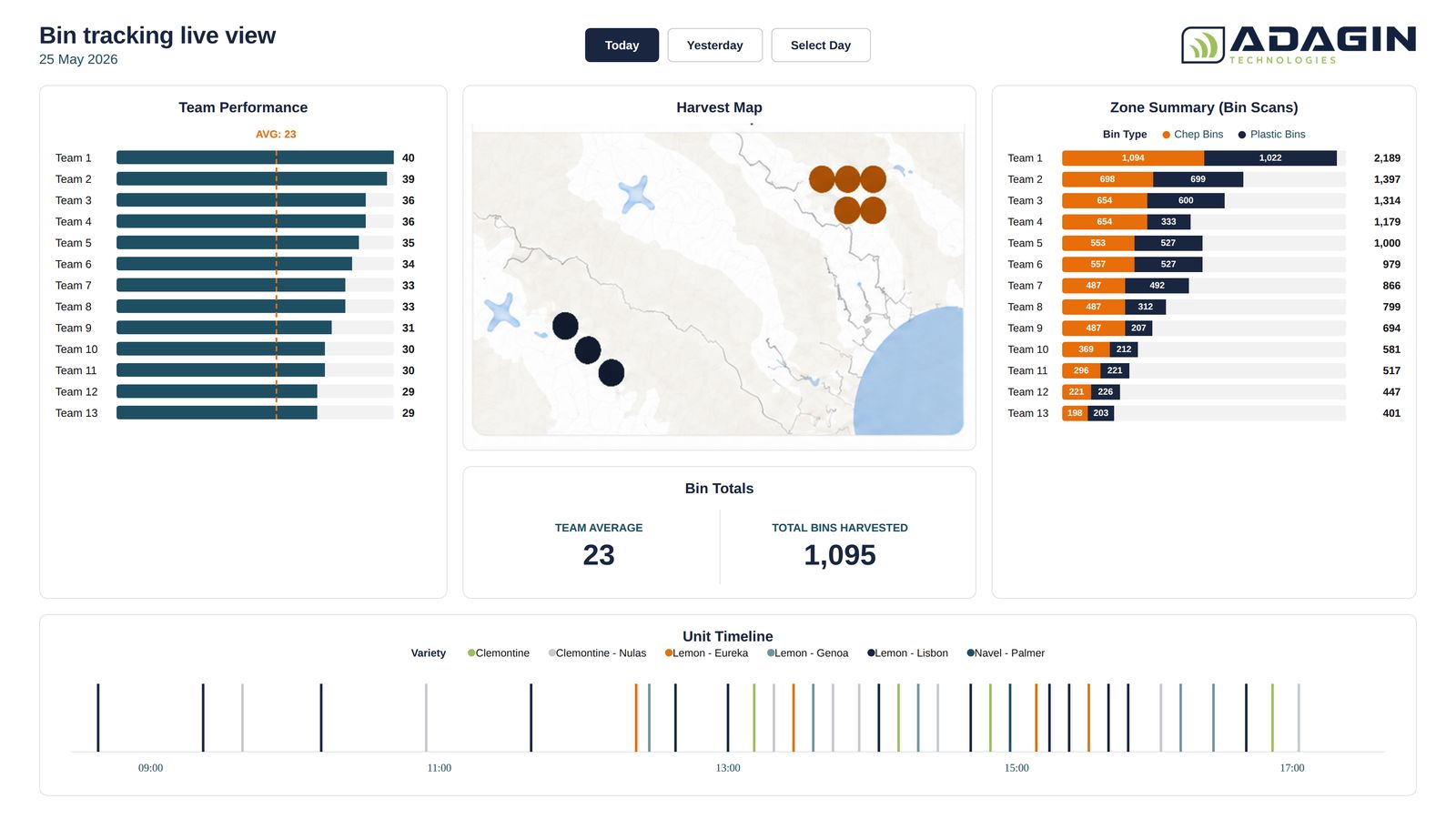
- Live harvest volumes and orchard yields
- Worker and team performance tracking
- Bin and bag location visibility
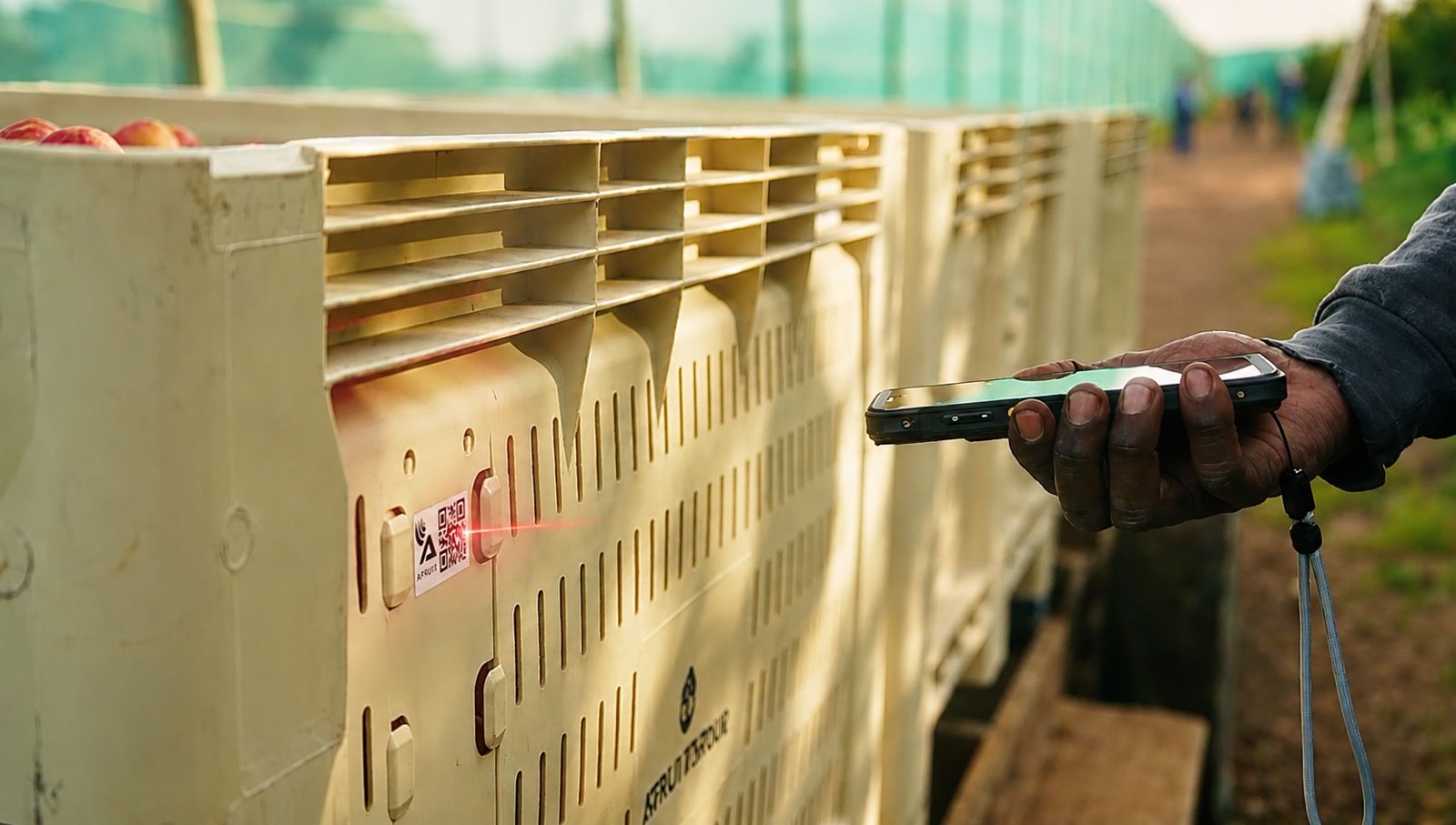
Bins tagged and scanned in the field
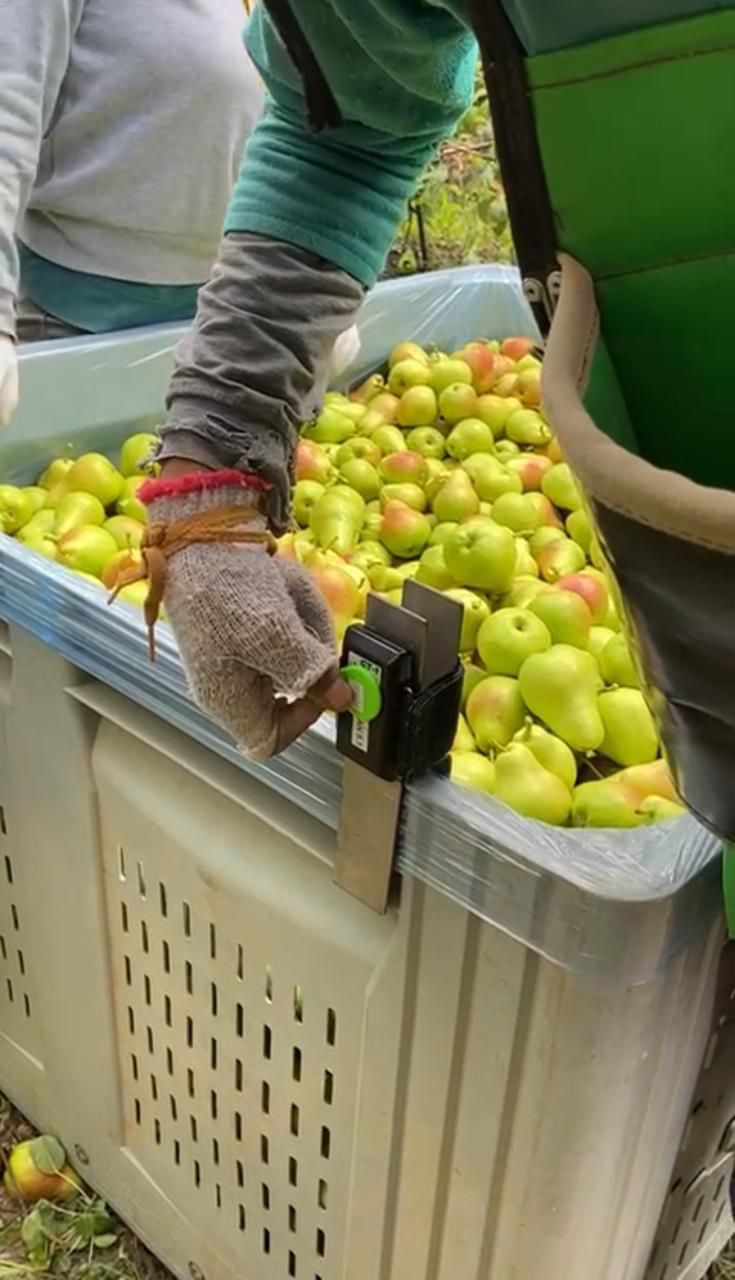
- Each bin carries two Adagin labels (RFID and QR)
- Driver scans each bin against its orchard and team
- Scan logs the bin’s team, orchard, and GPS location
- Location and productivity show live on the Dashboard
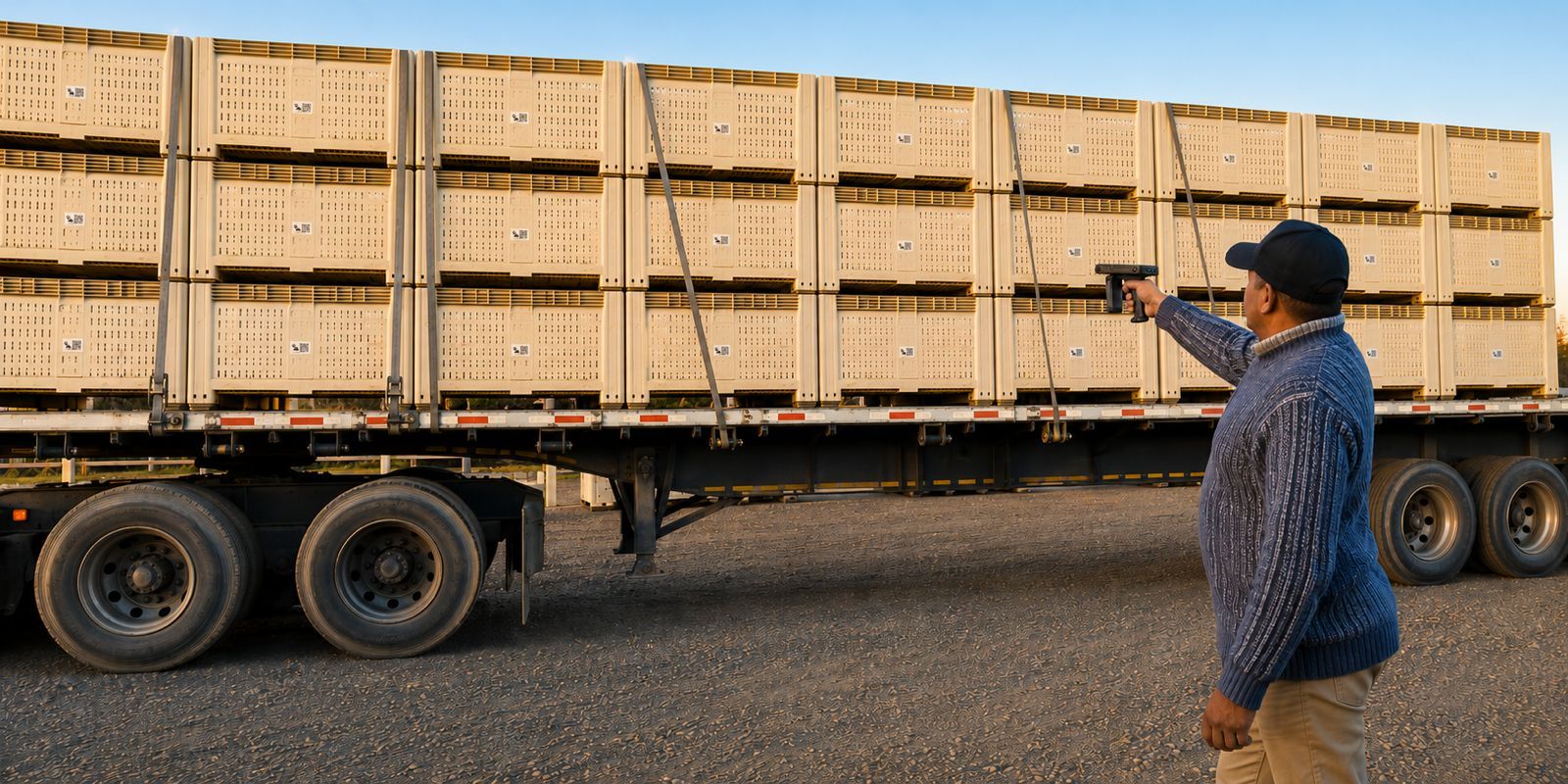
Bins scanned onto transport in one pass
- A long-range scanner reads multiple bins at once
- Truck or wagon collects and scans bins in
- Bins move from Orchard to Loading Zone on the Dashboard
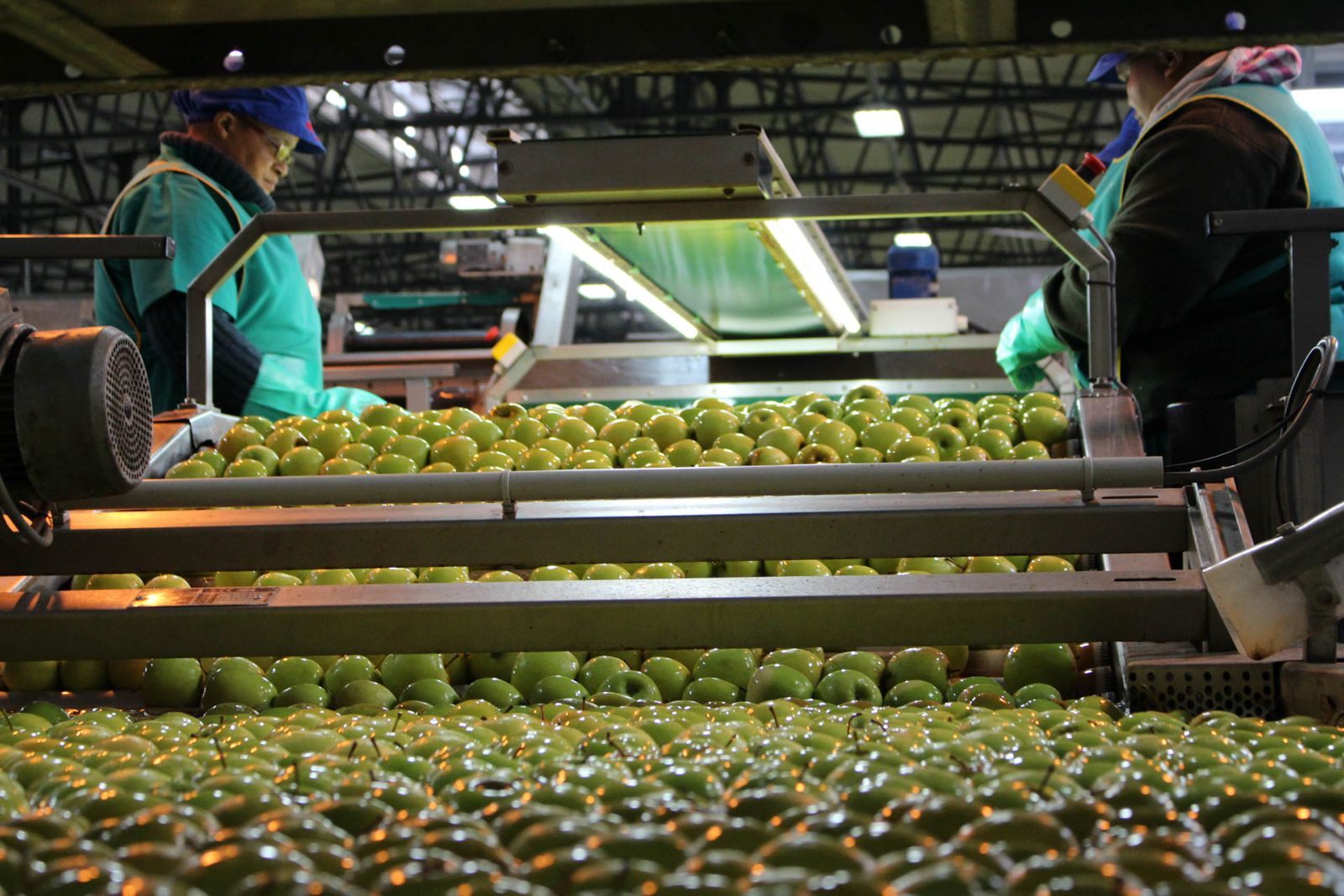
Set up custom packhouse zones, tracked live
- De-greening rooms show live bin counts per room
- Scaling weighs multiple bins to calculate yield per orchard
- Tipping shows bins tipped for sorting each day
- Bins move zone to zone as data syncs to the cloud
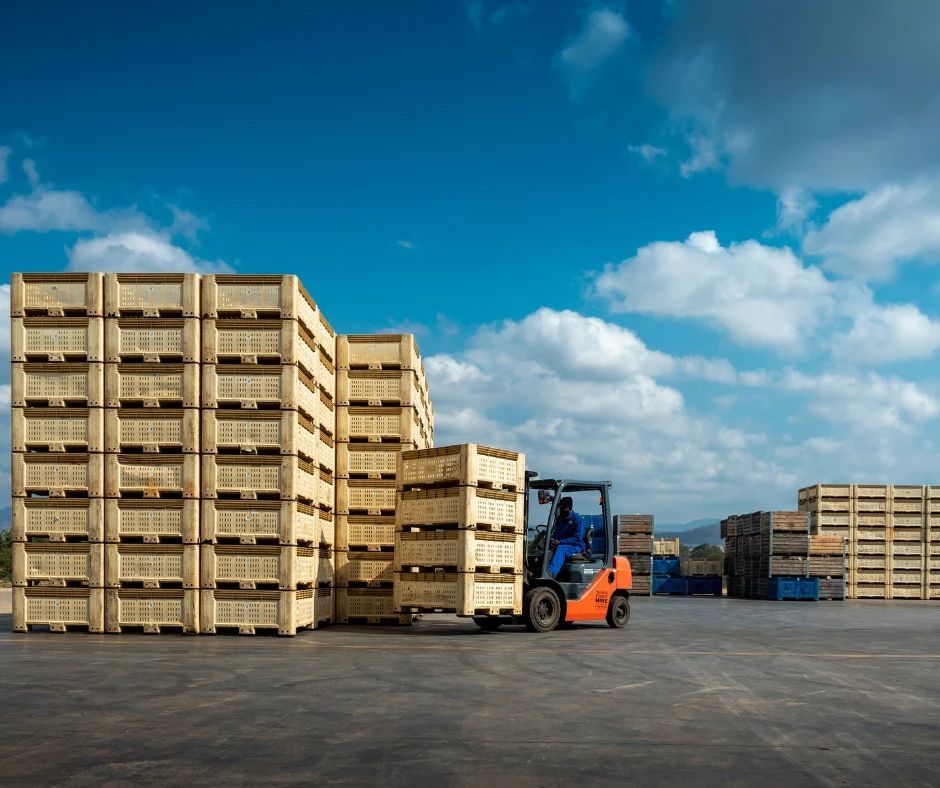
Empty bins tracked automatically, no extra hardware
- Smart algorithms move bins to the Empty Bin zone daily
- Triggered automatically after Tipping, no scanning needed
- Dashboard stays accurate without human intervention
- Plan field allocations again from reliable live data
- Scale at the tipper line reads each bin’s RFID tag
- Automatically identifies and counts bins entering the packhouse
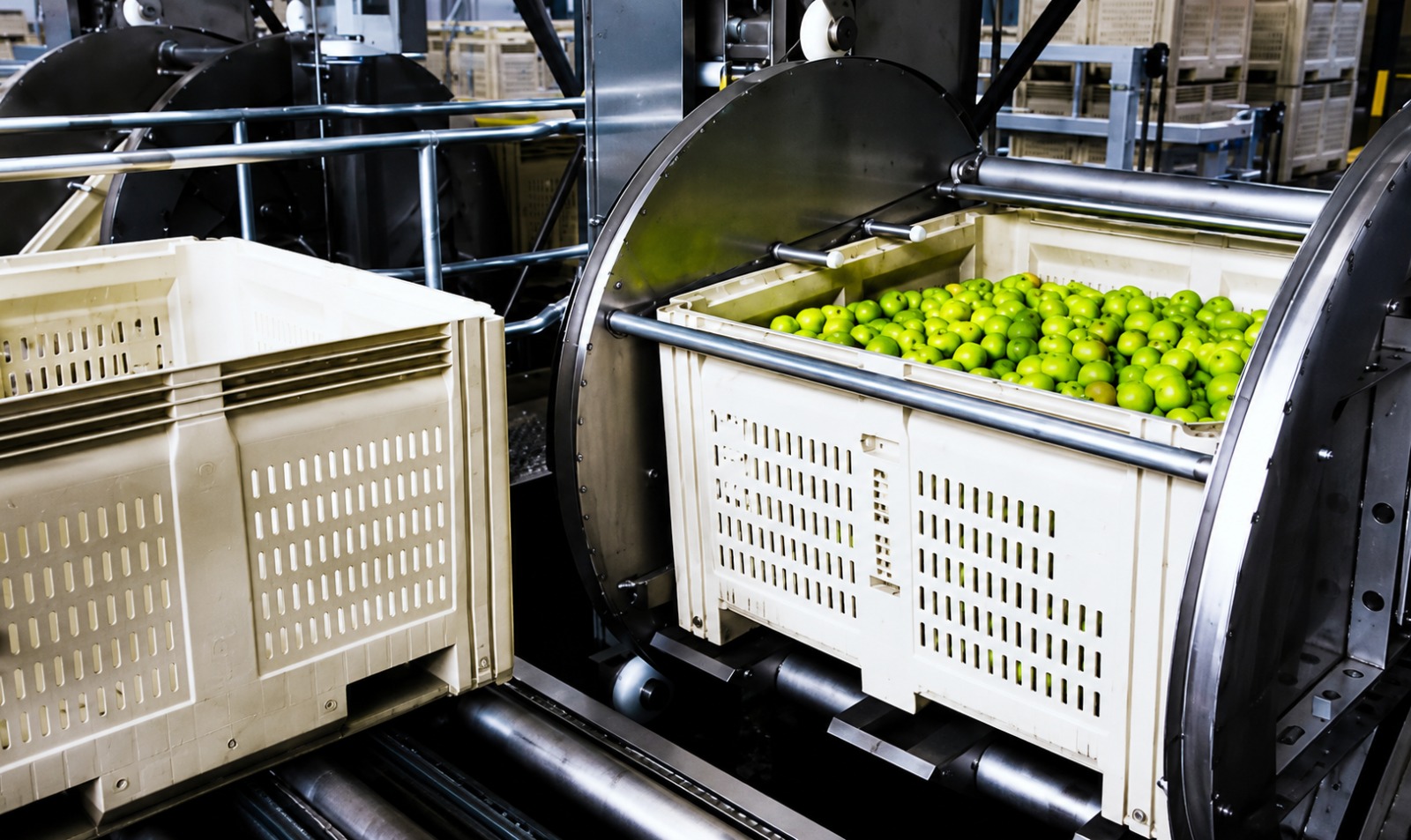
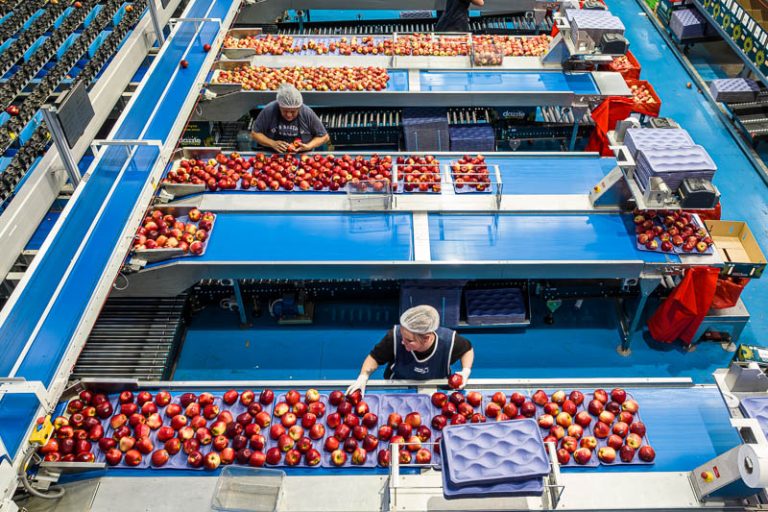
- Fruit is counted through the packing process
- Provides an accurate record of throughput and yield
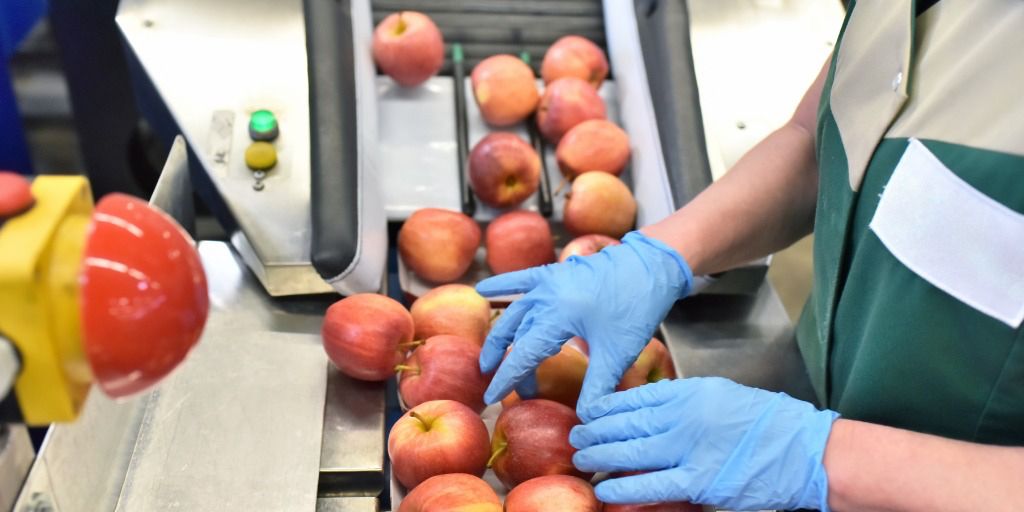
- Records fruit condition, defects and grading outcomes
- Identifies quality trends by orchard, block or batch
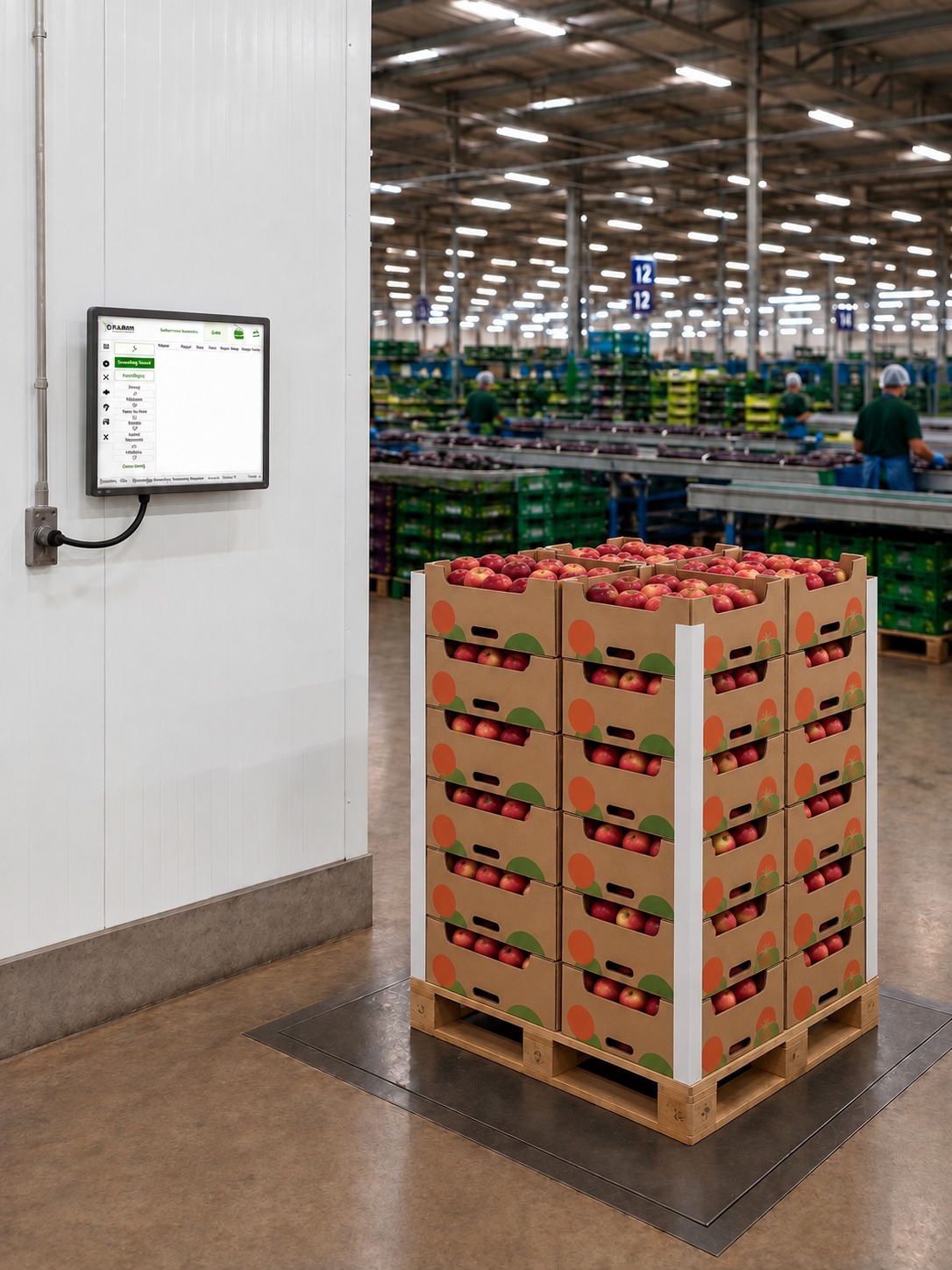
- Packed cartons are grouped and tracked by pallet
- Supports traceability from packhouse to dispatch
Smart equipment for stone and pome fruit
Frequently asked questions
FAQs in the orchard
How long does it take for my data to show on the dashboard?
After the GT-1 device is scanned with a phone, all data that has been scanned in will be visible on the Dashboard within 5-10mins.
Can the harvester cheat the system?
No, there are many hidden settings that the managers can se on the GT-1 device. The settings used in the above section includes preventing the same tag from being scanned 2 times in a row and also preventing the same tag from being scanned within 3mins. The runners don’t know the settings and that prevents them from working around it. .
Can we rent the hardware rather than pay for it?
Yes, this farm specifically rented the GT-1 hardware as they wanted to see if it will work for them. The employee tags was the only hardware considered a consumable product that they had to purchase. They also already had the mobile android phones.
Can I still see my data if my subscription has stopped?
Yes, you will always have access to your data on the portal, even after the harvesting season.
Do you have a recommended rugged phone?
Yes, we do have a really well proven and affordable rugged phone that we recommend farmers purchase.
How does the data and sim management work?
We have a system to help with the data and sim management. If you’d like, you are welcome to take the sim management over on your own account. Call us to guide you through the process if required.
What if there is no signal in my orchards?
Not a problem, the GT-1 scanners doe not need cellphone signal to work. It uses satellite signals for GPS and then it is ready to be scanned. The data is transmitted to the cloud via the mobile phone with our app that is also offline compatible.
How do I calculate my yield per orchard?
The Orchard yield is determined by the bag coordinates and pre-set orchard boundaries. All the GPS plots that fall within the orchard boundaries are allocated to the orchard and we can set a pre-determined average bag weight to calculate yield and yield maps.
How long does the battery of the GT-1 scanner last?
The GT-1 scanner will last a full 12 hours when the battery is still new, but we have a 3 year expected battery life cycle where if the battery does not last a full day, we swop the GT-1 out for a new one and refurbish the old one. So no need to throw an old one away and buy a full priced new one.
Can we rent the hardware rather than pay for it?
Yes, this farm specifically rented the GT-1 hardware as they wanted to see if it will work for them. The employee tags was the only hardware considered a consumable product that they had to purchase. They also already had the mobile android phones.
Can we rent the hardware rather than pay for it?
Yes, this farm specifically rented the GT-1 hardware as they wanted to see if it will work for them. The employee tags was the only hardware considered a consumable product that they had to purchase. They also already had the mobile android phones.
How often do I need to charge the GT-1 scanner?
The GT-1 scanners must be charged every evening. We consider your GT-1 scanners like a farm radio that is placed in the Charger every evening and the next morning, it is ready for a full day’s harvest
Can I export my data from your dashboards to Excel?
Yes, all our dashboards can be exported to excel to be used for internal calculations
What happens if there is a technical problem with my scanner?
Each GT-1 charging dock comes with a reset port. You can just insert the faulty GT-1 into the Reset port and press the reset button while the dock is plugged in. It will do a factory reset and you now only need to allocate the GT-1 and ensure that the correct configurations are selected. Just reach out to one of our technical staff to assist you.
FAQs for the movement module
How live is the system?
The dashboards update every 5mins
Can the harvester cheat the system?
It is nearly impossible as we have flag lists that show bin scans that break a pattern like 1 bin that has been scanned 2 times in the orchard, but it has only been weighed once or the same bin that has been scanned within a short time by 2 different teams
What if there is no signal in my orchards?
It is not a problem as our application can work offline. The Phones that have collected data, but have not synced yet will have the data available on the phone itself, but once the phone is in reach of signal, all the data will be pushed to the cloud without the user needing to press a sync button and it will be displayed on the Dashboard.
Can I export my data from your dashboards to Excel?
Yes, all our dashboards can be exported to excel to be used for internal calculations. We also have a section that contains each data line item created throughout the whole system to allow users to build their own pivot tables in Excel
What happens if a bin is not weighed in at the scale?
Each bin that is harvested has a pre-set “expected weight” that we use to calculate the yield per orchard. Once the bin is weighed at the actual scale and the weight is logged onto our system, does it override the expected nett weight with the actual nett weight.
How am I billed for the system?
Our system is billed at the end of the month based on the usage. In this case the usage is determined by number of bins harvested. Meaning that a bin will only be billed once and all scans after the harvest does not count for billing. Bonus: Kaap Agri Customers can ask for billing to be done through their Kaap Agri account at the same cost as a direct bill from Adagin
Can I still see the data if my subscription has stopped?
Yes, you will always have access to your data on the portal, even after the harvesting season.
How does the data and sim management work?
We have a system to help with the data and sim management. If you’d like, you are welcome to take the sim management over on your own account. Call us to guide you through the process if required.